What Developers Need to Know in 2026
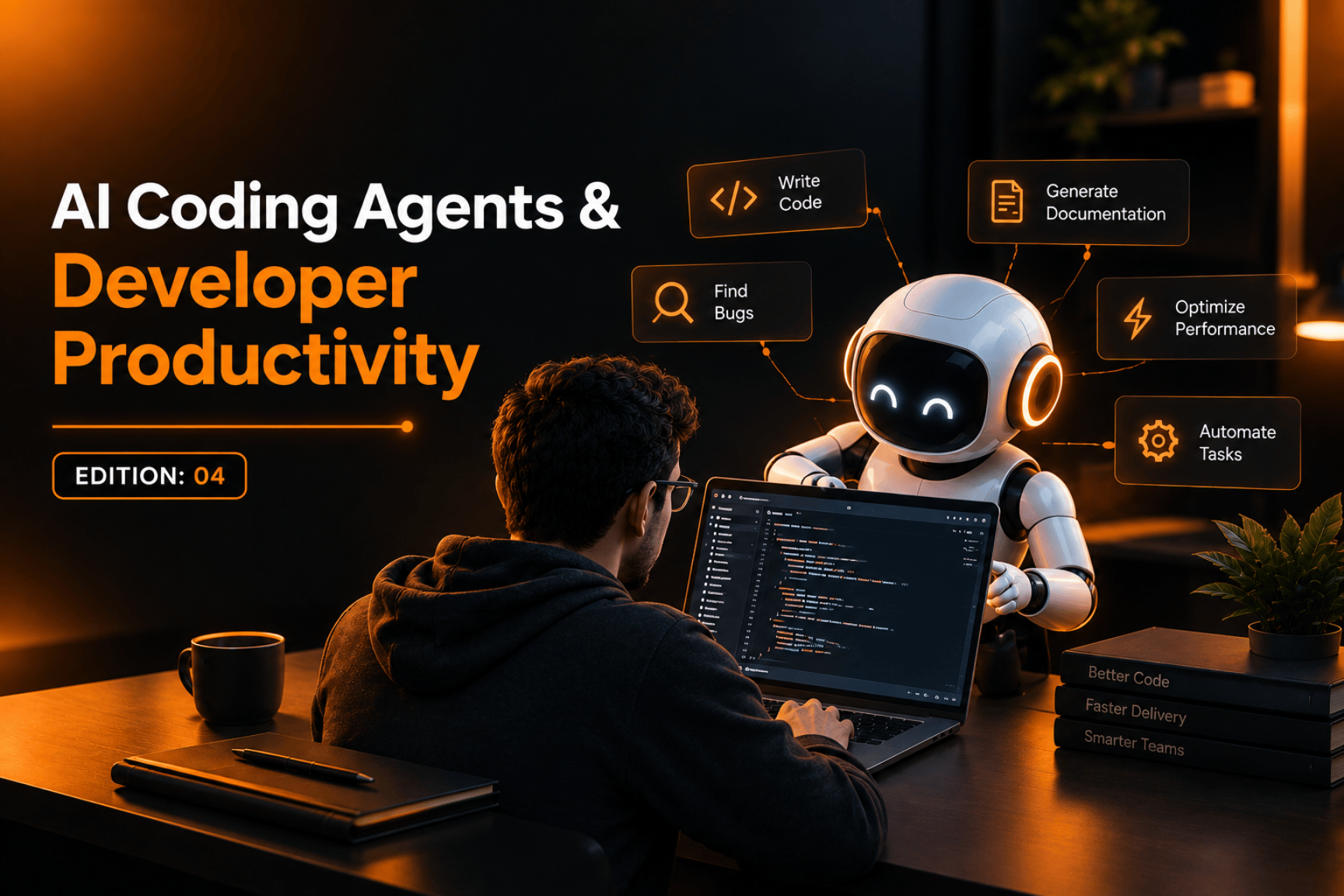
AI coding has moved beyond autocomplete and simple code suggestions. Today, AI coding agents can inspect repositories, modify multiple files, run tests, troubleshoot errors, and work through development tasks with much less step-by-step instruction.
That shift is changing what developer productivity means.
The question is no longer simply, “Which AI tool writes the most code?”
The better question is: Which agent helps developers complete the right work with less rework, better quality, and appropriate human oversight?
AI Coding Agents Are Becoming Part of Everyday Development
According to JetBrains' 2026 Developer Ecosystem Survey, 90% of professional developers surveyed were using AI coding agents at work at least weekly during May–July 2026, while 68% reported daily use.
This shows that AI-assisted development is moving from experimentation into normal engineering workflows.
From Code Suggestions to Autonomous Tasks
Traditional coding assistants mainly helped developers write or complete code.
Modern agents can go further.
A developer can describe a task such as:
Investigate a failing API
Find the source of the bug
Update the relevant files
Write tests
Run the test suite
Fix the resulting errors
The agent can then work through several of these steps independently.
That does not mean developers are becoming unnecessary. Instead, their role increasingly shifts toward planning, reviewing, validating, and making engineering decisions.
What Does an AI Coding Agents Comparison Actually Tell Us?
Searching for an AI coding agents’ comparison can quickly become confusing.
There are IDE-based tools, terminal-based agents, cloud agents, open-source projects, and systems designed for more autonomous development.
Tools such as Cursor, Claude Code, Codex, GitHub Copilot, Cline, Aider, Openhands, and others approach agentic development differently.
Benchmarks Are Useful: But They Are Not the Whole Story
An AI coding agent benchmark can provide useful information about how systems perform on defined programming tasks.
SWE-bench, for example, evaluates whether an agent can resolve real software issues from open-source repositories. Other benchmarks test terminal interaction, code generation, debugging, or software-engineering workflows.
But benchmark results should not automatically be treated as a complete measure of developer productivity.
A recent empirical study comparing five popular coding agents across 7,156 pull requests found meaningful differences between task types. Documentation tasks had an 82.1% acceptance rate, while new-feature tasks had a 66.1% acceptance rate. The researchers also found that no single agent performed best across every task category.
That distinction matters.
Productivity Is More Than Speed
An agent that produces code quickly can still create additional work if developers have to spend significant time debugging, reviewing, or rewriting that code.
In other words:
More generated code ≠ more productive development.
Real productivity includes:
Time saved
Code quality
Test coverage
Review effort
Debugging time
Maintainability
Developer control
The Growing Choice Between AI Coding Tools
Developers searching for an AI coding agents list will find an increasingly large ecosystem.
Some popular tools focus on the IDE experience. Others work primarily through the terminal. Some are designed around cloud-based autonomous workflows, while open-source AI coding agents give developers greater control over the underlying workflow and model choices.
What About AI Coding Agents Like Cursor?
Tools described as AI coding agents like Cursor are particularly interesting because they combine an editor environment with AI-driven development workflows.
This can make agentic development feel more natural for developers who already spend most of their time inside an IDE.
But terminal-based agents can offer a different workflow, particularly when developers need automation across repositories, scripts, tests, and command-line tools.
The choice is therefore less about finding one universal tool and more about matching the agent to the development workflow.
Are Free AI Coding Agents Enough?
The growing interest in free AI coding agents is understandable, especially for students, independent developers, and teams experimenting with agentic workflows.
There are also searches for free AI coding agents for students because learning these tools does not always justify another paid software subscription.
Free Does Not Always Mean Equivalent
Free tools can be useful for learning, prototyping, smaller projects, and evaluating different workflows.
However, developers should look beyond price.
Consider:
Model access
Usage limits
Context-window size
Repository understanding
Tool integrations
Security controls
Privacy policies
Code review capabilities
Support for testing and debugging
For students and early-stage developers, a free agent can be an excellent way to understand how agentic development works. For production software, the decision should also consider reliability, security, and the cost of reviewing generated code.
What Developers Should Look For in 2026
Instead of relying entirely on AI coding agent ranked lists or an AI coding agent ranking, developers can evaluate tools according to the work they actually need to complete.
1. Repository Understanding
Can the agent understand a large existing codebase instead of only generating isolated snippets?
2. Multi-File Work
Can it safely make coordinated changes across multiple files?
3. Testing
Can it create, run, and interpret tests rather than simply generate code?
4. Debugging
Can it investigate failures and iterate on its solution?
5. Human Control
Can developers review changes before they become part of the production codebase?
These capabilities can have more practical value than a single benchmark score.
The Real Opportunity: Developers With Better AI Workflows
The biggest productivity improvement may not come from choosing one tool from a best AI coding agents 2026 list.
It may come from building a better development process around AI.
Developers can use agents for repetitive implementation, documentation, test generation, debugging assistance, and code exploration while keeping humans responsible for architecture, security, business logic, and final review.
That creates a more useful model:
AI handles more of the execution. Developers maintain control over the decisions.
Where AI Coding Agents Fit into Business Software Development
For companies building custom applications, ERP systems, APIs, dashboards, mobile apps, or integrations, AI coding agents can become another layer in the engineering workflow.
But introducing an agent is not the same as implementing an effective AI development process.
The development team still needs clear requirements, architecture, version control, testing, security practices, code review, and deployment processes.
That is where experienced software engineering remains important.
Final Takeaway
The conversation around best free AI coding agents 2026, benchmarks, rankings, and comparisons will continue as the technology evolves.
But there is no single tool that is automatically the right choice for every developer or project.
The more useful approach is to evaluate what each agent can actually do within your workflow and measure whether it reduces total engineering effort without sacrificing quality.
AI coding agents are becoming powerful development partners.
The competitive advantage will increasingly come from knowing how to use them effectively, not simply having access to them.
Build Smarter with the Right Development Strategy
At QTO DEV, we help businesses turn modern software technologies into practical development solutions, from custom software and business systems to AI-powered workflows and digital products.
If you're exploring how AI can improve your development process without compromising quality, security, or scalability, the right place to start is with the workflow — not just the tool.